
How it plays
One rule. Endless tension.
Every level is a knot of arrows. Untie it in the right order.
It fires in the direction it points and flies clean off the board.
If another arrow is in its path, they collide — and you lose a heart.
Empty the whole board to win. Easy to learn, genuinely hard to master.
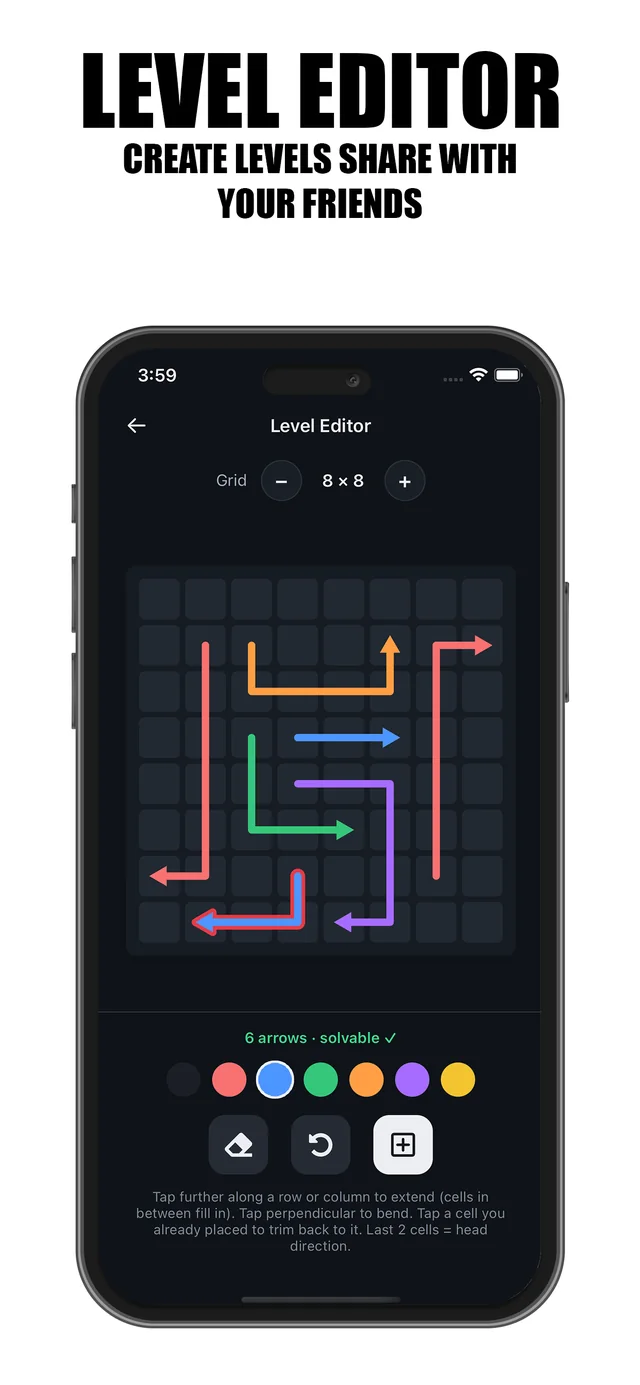
Level editor
Your puzzles, everyone's problem.
The built-in editor is the same tool we use to build Classic levels. Draw arrows, bend paths, and the editor verifies your level is solvable before you publish.
- Grids from small warm-ups to expert-sized boards
- Live solvability check — no broken levels, ever
- Share any level with a single link; friends jump straight in
Dark & light
Play dark. Or play light.
The same board, either mood. Switch whenever your eyes ask for it.
Drag to compare
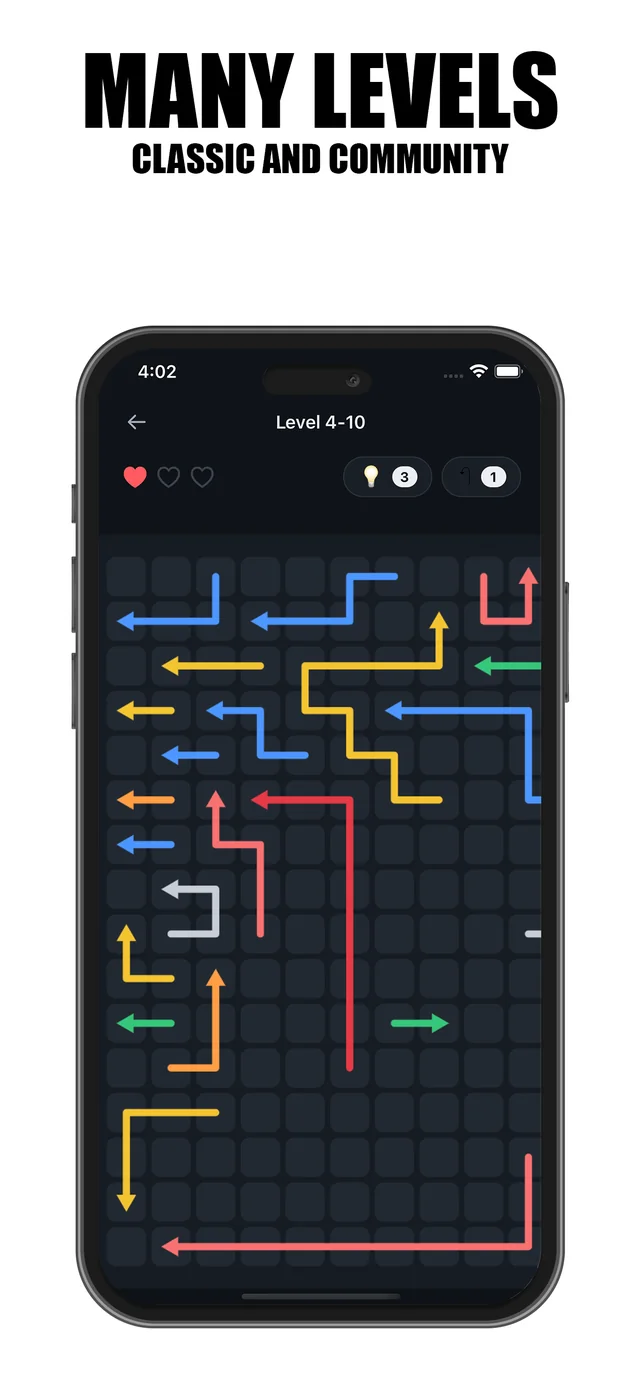
Community
Always something new to solve.
Every published level joins the community feed, so the game grows every day. Found something that doesn't belong? One tap reports it and hides it instantly.
- Fresh player-made levels every day
- One-tap reporting keeps the feed clean
- Your best boards, played around the world
FAQ
Questions, answered.
Is Arrow Puzzle Wave free?
Yes. Arrow Puzzle Wave is free to download and play on iPhone and iPad.
Does it work offline?
Yes. Classic levels are always playable offline, and community levels are cached on your device after they first load, so you can replay them anywhere. You only need a connection to discover new community levels or publish your own.
Can I create my own levels?
Yes. The built-in level editor lets you design grids of any size, checks that your level is solvable, and publishes it to the community in one tap.
How do I share a level with a friend?
Every level has a share link. Send it in any chat app, and your friend jumps straight into that level in the game.
What devices does it support?
Arrow Puzzle Wave runs on iPhone and iPad, with full support for dark mode and light mode.
Ready to clear the board?

Get in touch
Questions or feedback?
We read everything — tell us what's working, what's missing, or a level you'd love to see. To report a level, use the in-app flag so we can act on it right away.